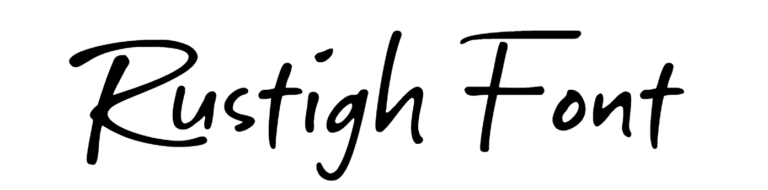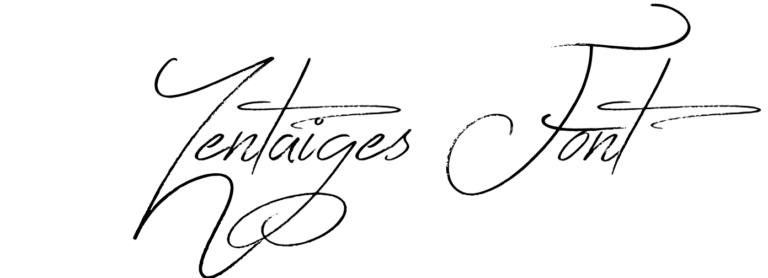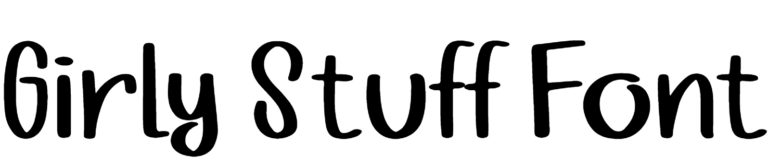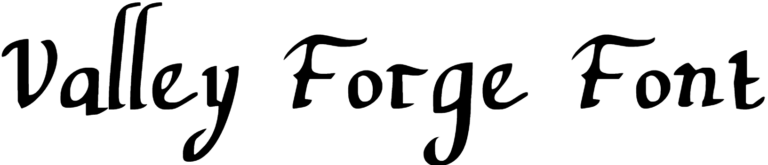
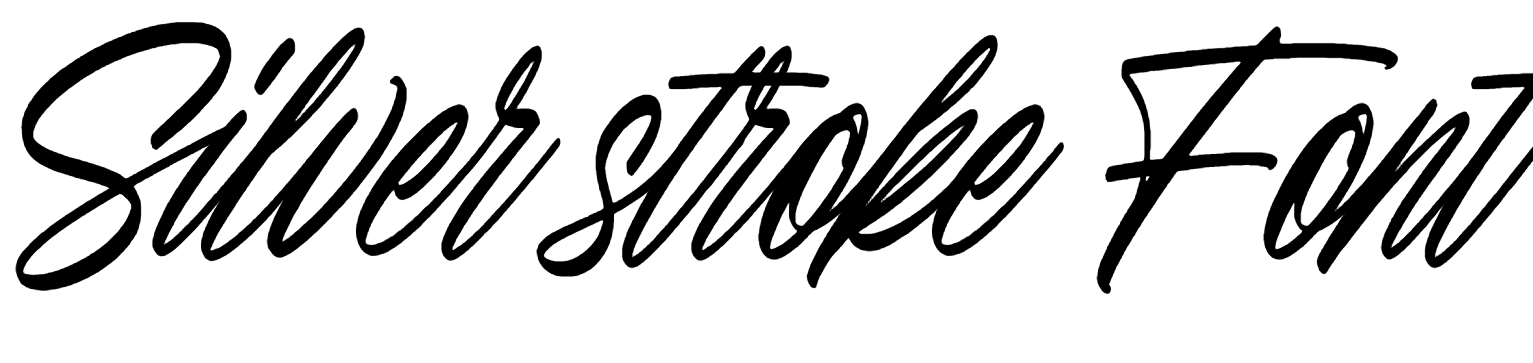
Silver stroke Font Preview
Free ZIP · 1 font file · Free for Personal Use
Silver stroke
Silver stroke Character Map
Uppercase
ABCDEFGHIJKLMNOPQRSTUVWXYZ
Lowercase
abcdefghijklmnopqrstuvwxyz
Numbers
0123456789
Punctuation
!"#$%&'()*+,-./:;<=>?@[\]^_`{|}
Accented letters
ÀÁÂÃÄÅÆÇÈÉÊËÌÍÎÏÐÑÒÓÔÕÖØÙÚÛÜÝßàáâãäåæçèéêëìíîïðñòóôõöøùúûüýÿĐđıŁłŒœŠšŸŽž
Other characters
¡¢£¥¦§¨©ª«¬®°²³´·¸¹º»¿×÷ˆˇ˚˜–—‘’‚“”„†•…‹›€−st
Is Silver stroke free for commercial use?
Free for Personal Use No. Silver stroke is free for personal use. The font file does not give permission for commercial use, so for logos, products or client work, get a commercial license from the designer first. Read the license
Silver stroke is a handwritten font designed by Ardian Nuvianto (2024). The letters have the small wobbles and personality of real handwriting, so your text feels warm instead of printed. It's a free download, and you can try it with your own text in the preview above first.
Silver stroke Font Details
- Designer: Ardian Nuvianto
- Year: 2024 (from the copyright line in the font)
- Category: Handwritten font
- Font styles: 1 (Regular)
- Weight: Regular (400)
- Glyphs: 254
- Characters: A–Z, a–z, 0–9 and basic punctuation
- Languages: English, Spanish, French, German, Portuguese and Italian
- OpenType features: Ligatures (including optional ones), stylistic alternates and 2 stylistic sets
- Kerning: Built in
- Version: 1.000
- Download: Free ZIP (338.7 KB) with one TTF and one OTF files
What You Can Type With Silver stroke
You get every letter from A to Z in both cases and all the numbers from 0 to 9, which means Silver stroke can handle full sentences, dates and prices. Common punctuation such as &, !, ? and @ is included as well. It also has the accented letters you need for Spanish, French, German, Portuguese and Italian. Of its 254 glyphs, about 43 are not on your keyboard at all. That is where the alternates explained below live.
How to Use the Alternate Letters in Silver stroke
Silver stroke has stylistic alternates, 2 stylistic sets and optional ligatures built in as OpenType features. In Illustrator and InDesign, open the Glyphs panel (Window > Type) and select a letter to see its alternates. In Photoshop, use Window > Glyphs. Figma shows them under the text settings as OpenType features. Microsoft Word can switch on stylistic sets in the Font dialog under Advanced. Canva and Cricut Design Space can't reach OpenType alternates, so for those, set the word in a desktop app first and import it as an SVG.
Where Silver stroke Works Best
Designers usually reach for fonts like Silver stroke when they're making greeting cards, journal pages and friendly social posts. Set it a bit larger than you would a normal text font. Handwriting styles lose their charm once they get too small to read comfortably.
More Fonts by Ardian Nuvianto
DafontStyle has 7 more fonts by Ardian Nuvianto. Here are a few:
- Rockville Solid Font
- Maloney Font
- Sellinda Bright Font
- Sunday Brightside Font
- Feelin Sweet Font
- Blantick Script Font
Silver stroke Font FAQs
Is Silver stroke font free to download?
Yes. You can download Silver stroke for free from this page: free ZIP (338.7 KB) with one TTF and one OTF files. Free to download doesn't always mean free for business use, so check the license section on this page before you use it in anything you sell.
Who designed Silver stroke font?
Silver stroke was designed by Ardian Nuvianto. The copyright line inside the font is dated 2024. DafontStyle has 7 more fonts by Ardian Nuvianto, and a few are linked above.
How do I install Silver stroke on Windows or Mac?
Extract the ZIP file, then open the font file inside it. Click Install on Windows or Install Font on a Mac. The ZIP has both OTF and TTF versions of the same font. Install only one of them (OTF is the better pick for Adobe apps), because installing both can show duplicate names in your font list. Restart any app that was already open so it picks up Silver stroke.
How do I get the alternate letters and swashes in Silver stroke?
They are OpenType features, so pick them from the Glyphs panel in Illustrator, InDesign or Photoshop, or the OpenType settings in Figma. Canva and Cricut can't reach them directly; design the word in a desktop app and import it as an SVG.
Can I use Silver stroke in Canva and Cricut?
Canva lets you upload it on Pro, Teams and other plans with font uploads (Brand Kit > Upload a font); free accounts can't upload fonts. For Cricut Design Space, install it on your computer first and it shows up under System fonts.
Does Silver stroke support accented letters?
Yes. Silver stroke includes the accented letters needed for Spanish, French, German, Portuguese and Italian, so it works for more than just English.
What fonts pair well with Silver stroke?
A plain sans serif like Open Sans or Poppins makes a good partner for any longer text around it.