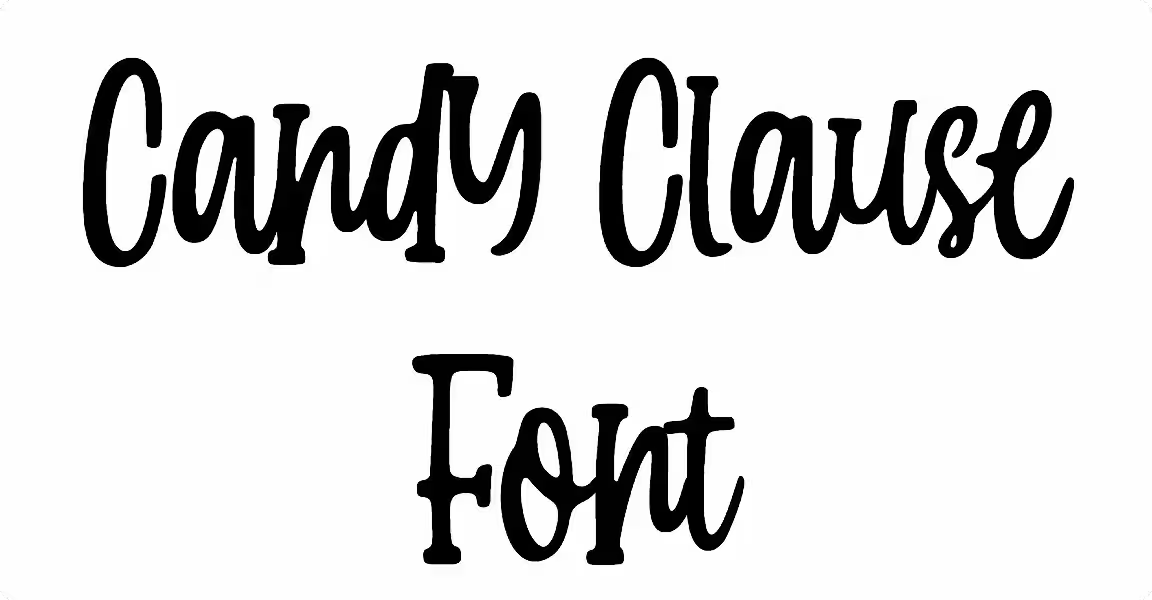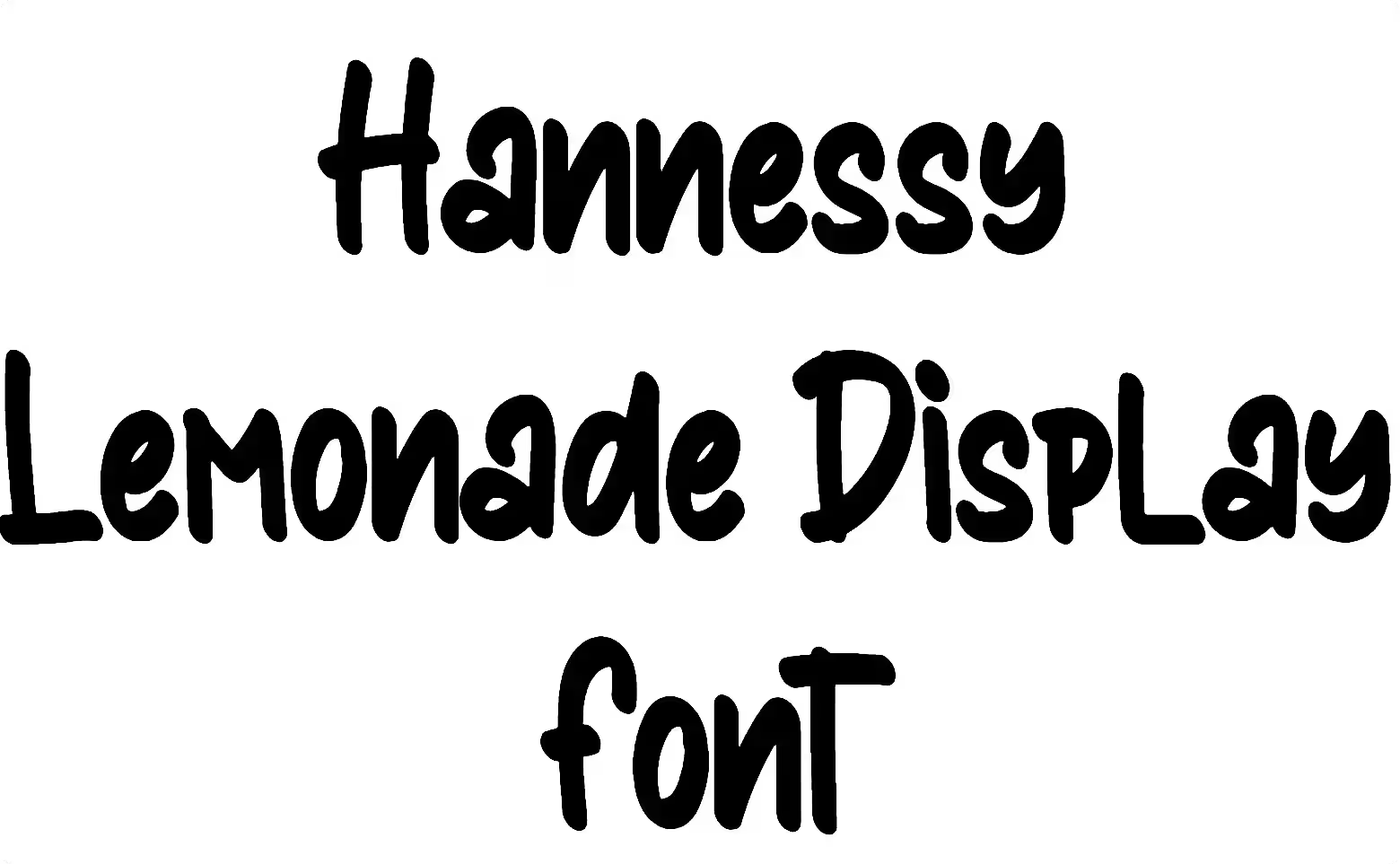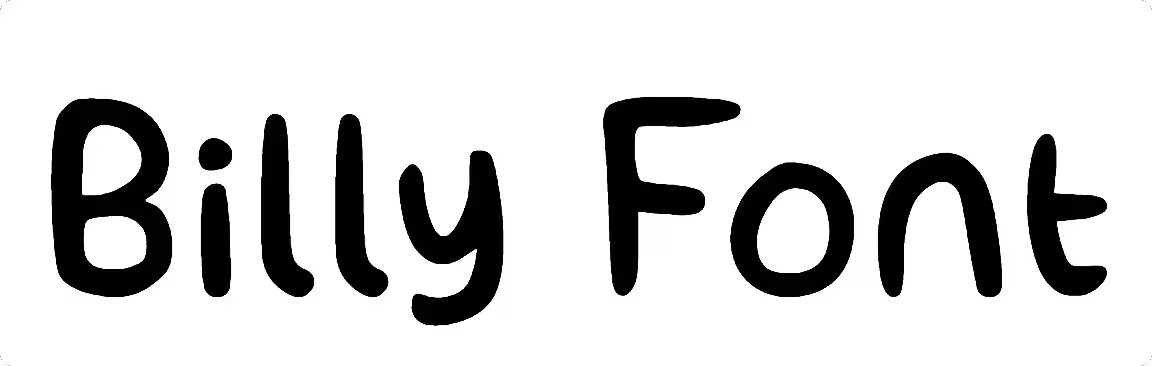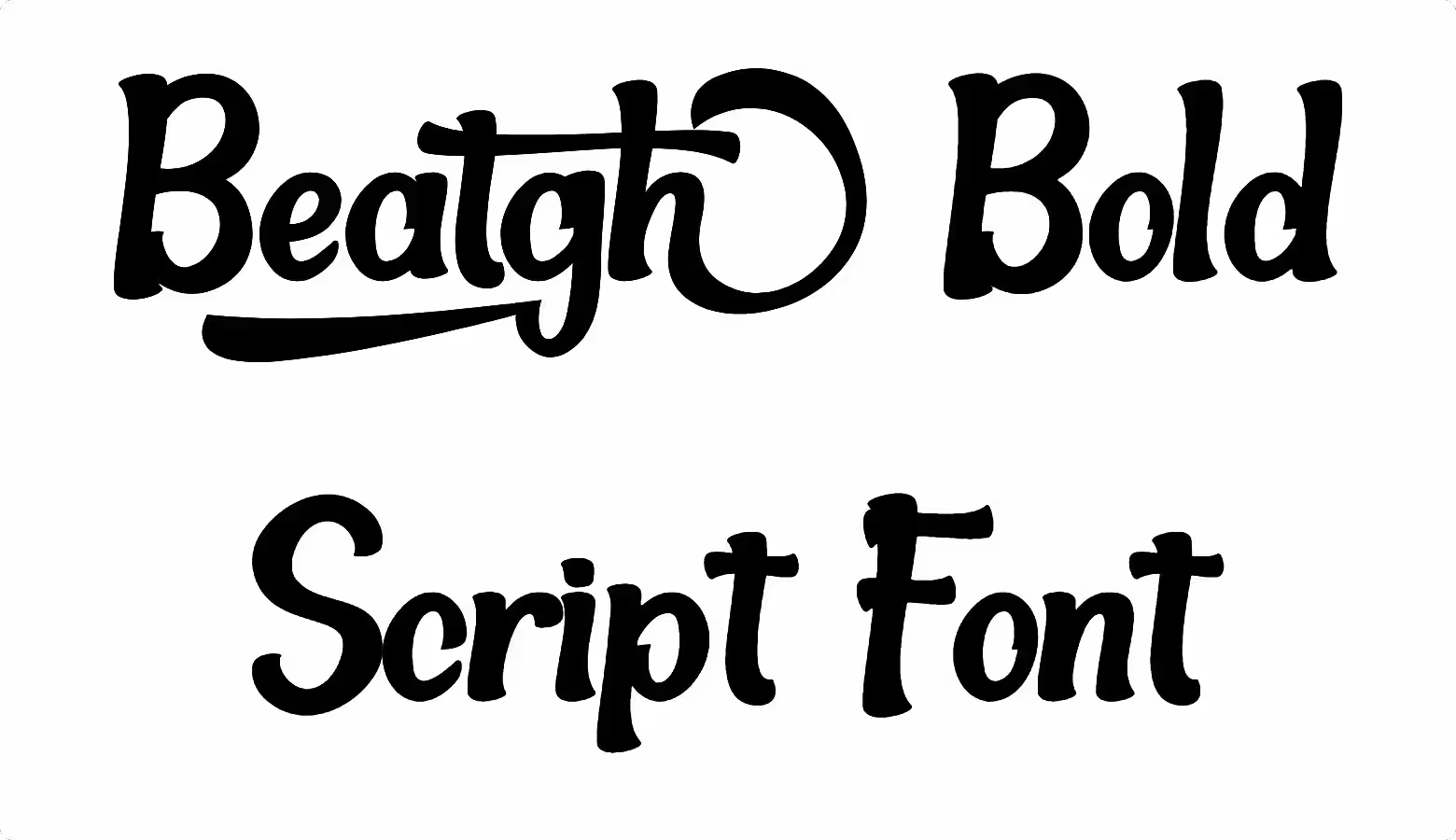
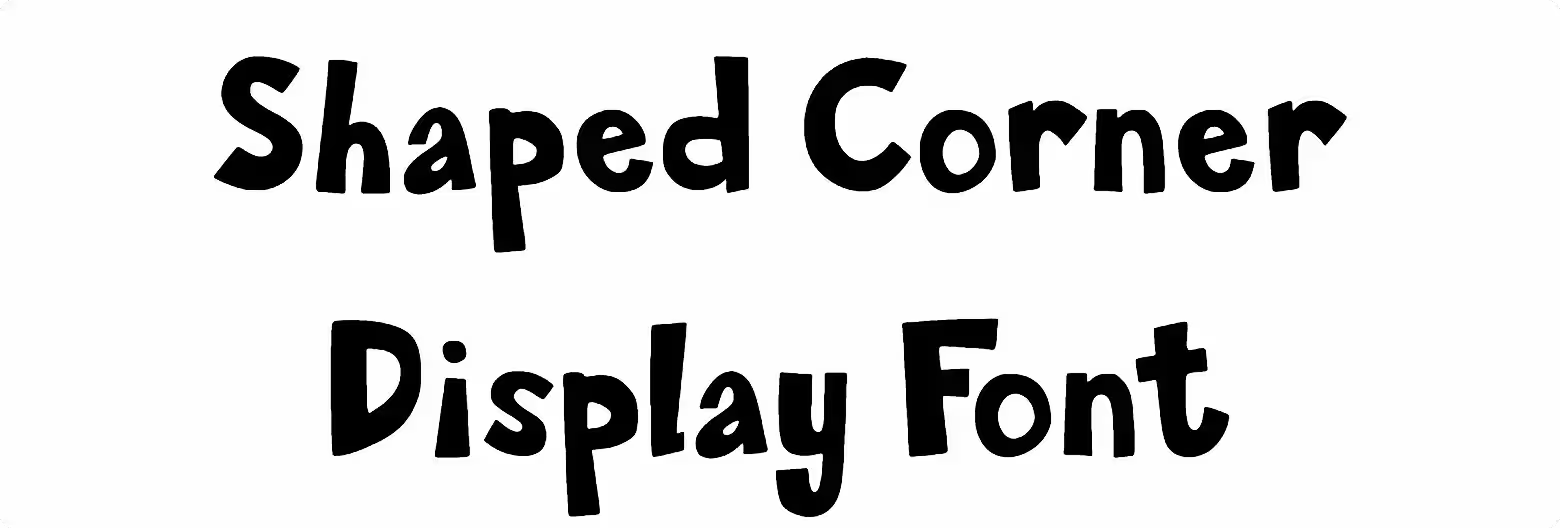
Shaped Corner Display Font Preview
Free ZIP · 2 font files · Free for Personal Use
Shaped Corner Display
All 2 styles in this font
Shaped Corner Display Character Map
Uppercase
ABCDEFGHIJKLMNOPQRSTUVWXYZ
Lowercase
abcdefghijklmnopqrstuvwxyz
Numbers
0123456789
Punctuation
!"#$&'()*+,-./:;<=>?@[\]^_{}
Other characters
«»–‘’‚“”„…‹›
Is Shaped Corner Display free for commercial use?
Free for Personal Use No. Shaped Corner Display is free for personal use. The font file does not give permission for commercial use, so for logos, products or client work, get a commercial license from the designer first.
Shaped Corner Display is a comic font. It has a cheerful, hand-drawn look that makes people smile before they even read the words. You can download it for free and test it with your own words in the preview above.
Shaped Corner Display Font Details
- Category: Comic font
- Font styles: 1 (Regular)
- Weight: Regular (400)
- Glyphs: 107
- Characters: A–Z, a–z, 0–9 and basic punctuation
- Languages: English
- Kerning: Built in
- Version: 001.000
- Download: Free ZIP (49.3 KB) with one OTF, one TTF, one WOFF and one WOFF2 files
What You Can Type With Shaped Corner Display
Shaped Corner Display covers the full alphabet in upper and lowercase, plus all ten numbers, so you can set names, dates and prices without switching fonts. Everyday marks like &, !, ? and @ are there too. There are no accented letters like é or ñ, so it's best kept to English text.
Where Shaped Corner Display Works Best
Think of Shaped Corner Display for comic strips, speech bubbles and playful headings. Cartoon fonts are great for short, fun lines. If you place it over a busy photo, add a thick outline or a drop shadow so it stays readable.
Shaped Corner Display Font FAQs
Is Shaped Corner Display font free to download?
Yes, Shaped Corner Display is a free download here (free ZIP (49.3 KB) with one OTF, one TTF, one WOFF and one WOFF2 files), no sign-up needed. For commercial projects, read the license note on this page first, since that's set by the designer.
How do I install Shaped Corner Display on Windows or Mac?
Unzip the download first. On Windows, right-click the font file and choose Install. On a Mac, double-click it and click Install Font. The ZIP has both OTF and TTF versions of the same font. Install only one of them (OTF is the better pick for Adobe apps), because installing both can show duplicate names in your font list. Restart any app that was already open so it picks up Shaped Corner Display.
Can I use Shaped Corner Display in Canva and Cricut?
Canva lets you upload it on Pro, Teams and other plans with font uploads (Brand Kit > Upload a font); free accounts can't upload fonts. For Cricut Design Space, install it on your computer first and it shows up under System fonts.
Does Shaped Corner Display support accented letters?
No. Shaped Corner Display has no accented letters such as é, ñ or ü, so it's best for English text.
What fonts pair well with Shaped Corner Display?
For longer text, a rounded sans serif like Nunito keeps the friendly mood and stays easy to read.