
JMH Typewriter Font
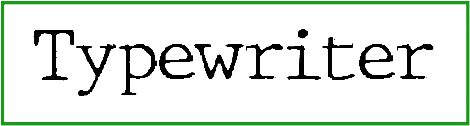
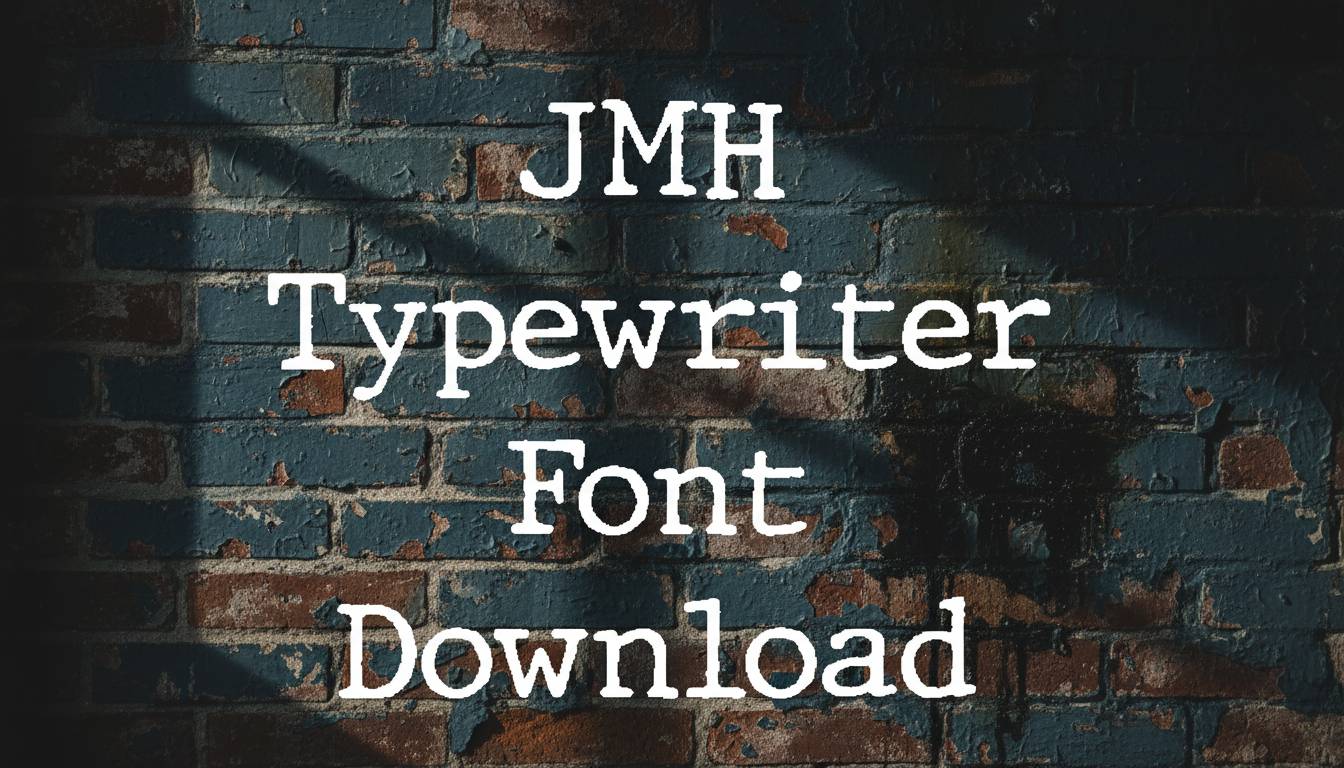
JMH Typewriter Font Preview
Free ZIP · 4 font files · Free for Personal Use
JMH Typewriter
All 4 styles in this font
JMH Typewriter Character Map
Uppercase
ABCDEFGHIJKLMNOPQRSTUVWXYZ
Lowercase
abcdefghijklmnopqrstuvwxyz
Numbers
0123456789
Punctuation
!"#$%&'()*+,-./:;<=>?@[\]^_`{|}~
Accented letters
ÀÁÂÃÄÅÆÇÈÉÊËÌÍÎÏÐÑÒÓÔÕÖØÙÚÛÜÝÞßàáâãäåæçèéêëìíîïðñòóôõöøùúûüýþÿĀāĂ㥹ĆćČčĎďĐđĒēĖėĘęĚěĞğĢģĪīĮįİıĶķĹĺĻļĽľŁłŃńŅņŇňŌōŐőŒœŔŕŖŗŘřŚśŞşŠšŢţŤťŪūŮůŰűŲųŸŹźŻżŽžƒȘșȚț
Cyrillic
ЁЂЃЄЅІЇЈЉЊЋЌЎЏАБВГДЕЖЗИЙКЛМНОПРСТУФХЦЧШЩЪЫЬЭЮЯабвгдежзийклмнопрстуфхцчшщъыьэюяёђѓєѕіїјљњћќўџҐґ
Other characters
¡¢£¤¥¦§¨©ª«¬®¯°±²³´µ¶·¸¹º»¼½¾¿×÷ˆˇˉ˘˙˚˛˜˝–—‘’‚“”„†‡•…‰‹›⁄⁴€№
Is JMH Typewriter free for commercial use?
Free for Personal Use No. JMH Typewriter is free for personal use. The font file does not give permission for commercial use, so for logos, products or client work, get a commercial license from the designer first.
JMH Typewriter is a typewriter font from our Fancy collection. Try it for vintage letters, screenplay titles and old-paper designs.
You get 4 styles in the download: Regular, Thin, Bold and Black. Use the Style menu above to try each one with your own text. The Regular style alone has 426 glyphs.
Every letter from A to Z is here in both cases, and so are the digits 0–9. Common marks like &, !, ? and @ are included as well. It has the accented letters you need for Spanish, French, German, Portuguese and Italian, too. It also covers Cyrillic characters.
JMH Typewriter Font FAQ
Is JMH Typewriter free to download?
Yes. You can download JMH Typewriter for free from this page as a single ZIP file with 4 font files. How you can use it depends on the designer's license, so check it before any paid project.
How do I install JMH Typewriter?
Unzip the download and double-click the font file. On Windows, click Install; on a Mac, click Install Font. Then restart your design app so the font appears in its font list.
Can I use JMH Typewriter in Canva, Word or Photoshop?
Yes. After you install JMH Typewriter, it shows up in Word, Photoshop and other desktop apps with the rest of your fonts. For Canva, upload the font file to your Brand Kit, which needs Canva Pro or Teams.