
Anna Font
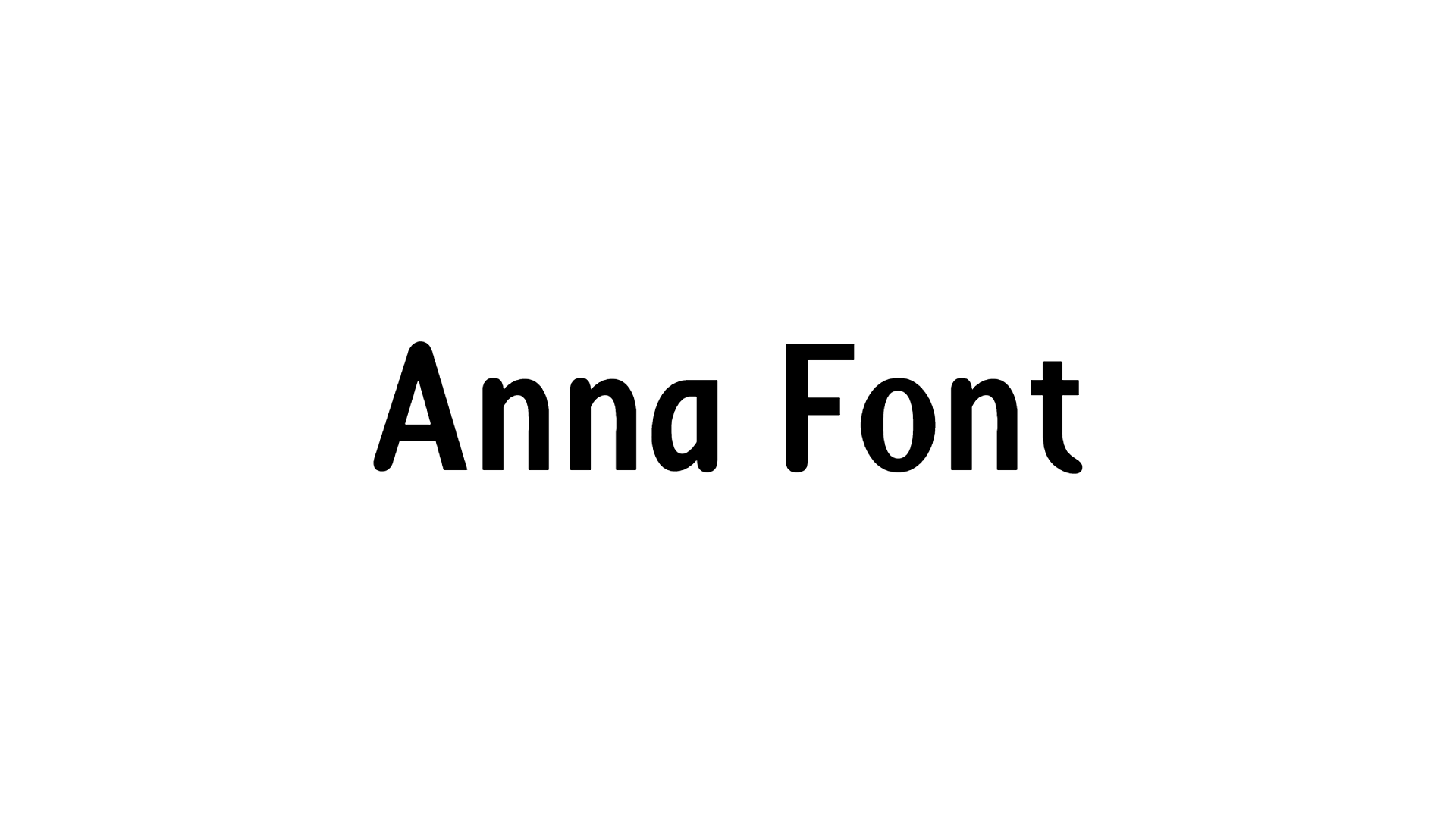
Anna Font Preview
Anna
Anna Character Map
Uppercase
ABCDEFGHIJKLMNOPQRSTUVWXYZ
Lowercase
abcdefghijklmnopqrstuvwxyz
Numbers
0123456789
Punctuation
!"#$%&'()*+,-./:;<=>?@[\]^_`{|}~
Accented letters
ÀÁÂÃÄÅÆÇÈÉÊËÌÍÎÏÐÑÒÓÔÕÖØÙÚÛÜÝÞßàáâãäåæçèéêëìíîïðñòóôõöøùúûüýþÿĆćČčđĞğİıŁłŒœŠšŸŽžƒ
Greek
ΔΩμπ
Other characters
¡¢£¤¥¦§¨©ª«¬®¯°±²³´µ¶·¸¹º»¼½¾¿×÷ˆˇˉ˘˙˚˛˜˝‐–—‘’‚“”„†‡•…‰‹›‾⁄₣€™Ω∂∆∏∑−∙√∞∫≈≠≤≥⋲◊◯
Anna is a sans serif font from our Basic collection, a good fit for websites, app screens and clean logos.
It comes in one style, Regular, with 287 glyphs.
You can type every capital letter from A to Z and every small letter from a to z, plus all ten numbers. Punctuation such as &, !, ? and @ works too. Its accented letters cover Spanish, French, German, Portuguese and Italian, so you can set text beyond English.
Anna Font FAQ
Is Anna free to download?
Yes. You can download Anna free from this page as one ZIP file with one font file. The designer's license decides how you may use it, so read it before a paid project.
How do I install Anna?
Unzip the download and open the font file. On Windows, click Install; on a Mac, click Install Font. Then restart your design app so the font shows up in its font list.
Can I use Anna in Canva, Word or Photoshop?
Yes. Once you install Anna on your computer, Word, Photoshop and other desktop apps list it with your fonts. In Canva, upload the font file to your Brand Kit, which needs a Canva Pro or Teams plan.